
Cyberessentials: Technology MagazineCyberessentials: Technology MagazineCyberessentials: Technology Magazine
  • Tech news
  • PC & Hardware
  • Mobile
  • Gadget
  • Guides
  • Security
  • Gaming
  • Crypto
Search
  • Contact
  • Cookie Policy
  • Terms of Use
© 2025 Cyberessentials.org. All Rights Reserved.
Reading: How to tell if an online shop is fake before you pay
Share
Notification Show More
Font ResizerAa
Cyberessentials: Technology MagazineCyberessentials: Technology Magazine
Font ResizerAa
  • Gadget
  • Technology
  • Mobile
Search
  • Tech news
  • PC & Hardware
  • Mobile
  • Gadget
  • Guides
  • Security
  • Gaming
  • Crypto
Follow US
  • Contact
  • Cookie Policy
  • Terms of Use
© 2022 Foxiz News Network. Ruby Design Company. All Rights Reserved.
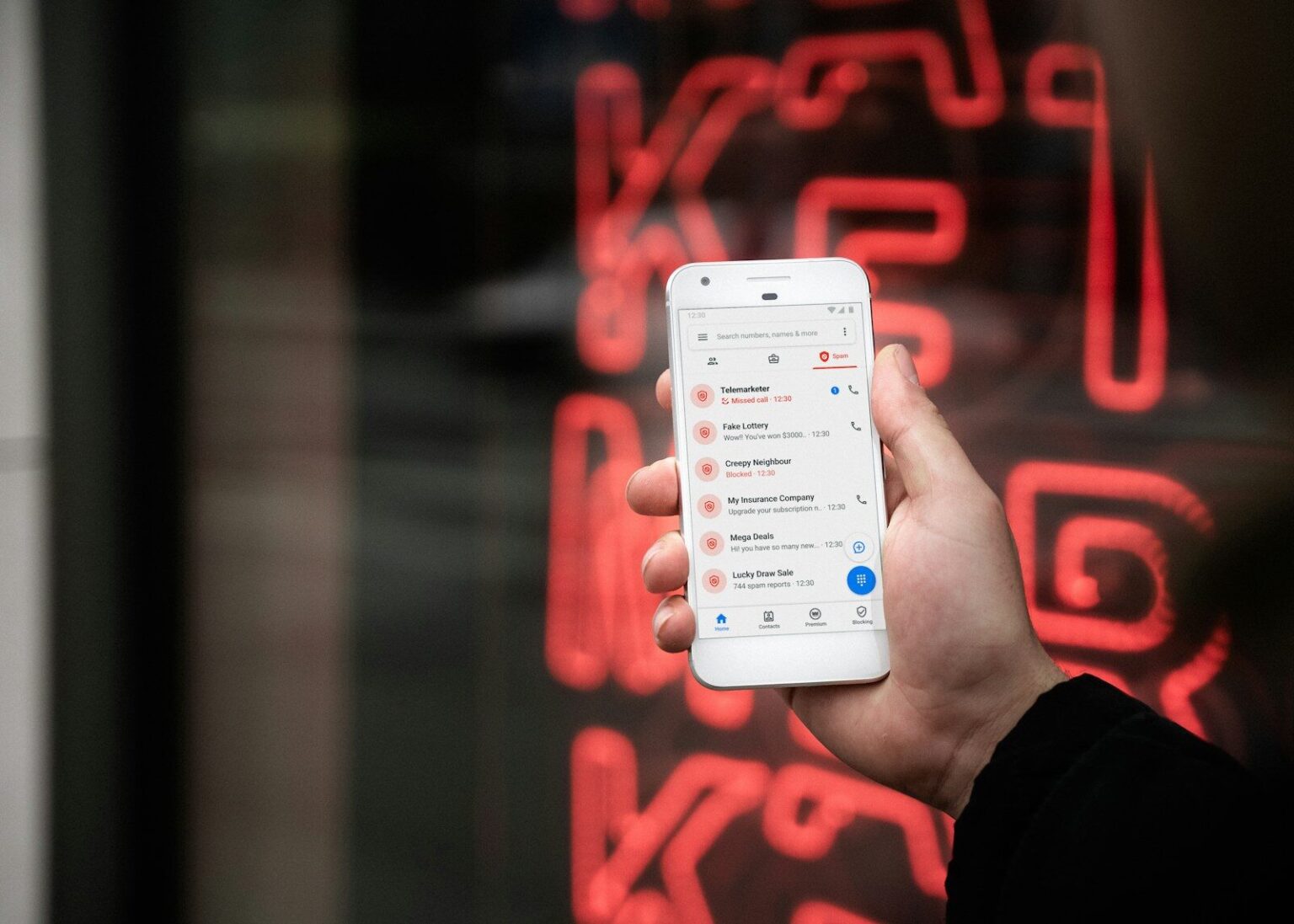
person holding white samsung galaxys 4
Security

How to tell if an online shop is fake before you pay

Last updated: September 22, 2026 7:00 pm
Cyberessentials.org
Share
SHARE

The ad looked normal. A well-known brand of trainers, a clean website, a countdown timer on a “closing down” sale with 70 percent off. The payment went through, the confirmation email arrived, and then nothing. The tracking number led nowhere. The contact form bounced. Two weeks later the website itself was gone.

Contents
  • Check the domain before you check the products
  • Reverse-search the product photos
  • The padlock means less than you think
  • Look for a company behind the shop
  • Prices that are too good
  • Reviews, but not the ones on the site
  • How you pay matters most
  • If you’ve already paid

Fake shops have become harder to spot because building a convincing one costs almost nothing now. Templates look professional, product photos are copied from the real brand, and the domain name is often only a letter or two away from the genuine one. The good news is that most of them still fail a handful of simple checks, and running those checks takes about five minutes.

Checks like these are the bread and butter of practical tech advice sites. One of them is https://www.filesonic.pl/, a Polish general-interest portal whose technology section covers online safety next to more mundane things like phone settings and privacy controls. If you read Polish, have a look. If you don’t, the checks below work anywhere.

Check the domain before you check the products

Look at the address bar, not the logo. Scam shops love domains that imitate a real brand with something added: the brand name plus “outlet”, “sale”, “official-store”, or a country code that doesn’t match where the company actually operates. A shop selling a German brand at huge discounts from a domain ending in .shop or .top deserves suspicion by default.

Then check how old the domain is. ICANN runs a free lookup tool at lookup.icann.org. Type in the domain and look for the creation date. A shop claiming to have served customers since 2011 on a domain registered three weeks ago is lying about something. Legitimate retailers can have new domains too, but combined with other warning signs, a fresh registration is one of the strongest signals you’ll get.

Google also has a Safe Browsing site status page in its Transparency Report. Paste the address in and it tells you whether Google has flagged the site as unsafe. A clean result doesn’t prove the shop is honest, since new scam sites haven’t been reported yet, but a flagged result settles the question.

Reverse-search the product photos

Scam shops rarely take their own pictures. Right-click a product photo (or long-press it on a phone) and search it with Google Lens or a similar reverse image tool. If the same image turns up on the brand’s official site, in a dozen other suspiciously cheap shops, or on a listing from years ago, you know where it came from. Real retailers use brand photos too, so this alone proves little. A photo that appears on twenty near-identical shops with different names is another matter.

The padlock means less than you think

Plenty of people still believe the padlock icon next to the address means a site is safe. It means the connection between your browser and the server is encrypted. That’s all. Anyone can get a free certificate in minutes, and practically every scam site has one. Don’t treat HTTPS as evidence of anything except basic competence.

Look for a company behind the shop

A real business leaves a trail. Scroll to the footer and look for a company name, a registered address, a registration or tax number, and a phone number. In the European Union, online sellers are legally required to show who they are and where they’re based. A shop with only a contact form and a Gmail address is a problem.

If there is an address, paste it into a map. Scam shops sometimes list a residential building, a car park, or the address of a completely different company. If there’s a company number, look it up in the official business register for that country.

Read the returns policy and the terms, even quickly. Copied text often gives itself away with a different shop name left in by mistake, or with a returns address in one country and customer service hours in another time zone.

Prices that are too good

Big discounts exist. Outlet stores and end-of-season sales are real. But a shop selling current-season products from a major brand at 60 or 70 percent off, across its whole range, with stock of every size, is not running a sale. It’s running a script. Compare the price with two or three well-known retailers. If one shop is dramatically cheaper than everyone else, ask yourself why the brand would allow that.

Countdown timers and “only 2 left” banners are there to stop you doing exactly that comparison. On a real shop they’re an annoying sales tactic. On a fake one they’re the whole strategy.

Reviews, but not the ones on the site

Reviews shown on the shop’s own pages prove nothing, because the shop controls them. Search for the shop’s name plus “scam” or “reviews” and see what comes up on independent sites like Trustpilot or Reddit. A total absence of anything, for a shop that claims to be popular, tells you something too.

Watch for social media ads with comments turned off, or with dozens of very short, very positive comments posted within the same hour.

How you pay matters most

One rule matters more than the rest. Pay by credit card or through PayPal’s goods-and-services option, never by bank transfer, cryptocurrency or gift cards. Card payments and PayPal purchases come with buyer protection and a chargeback process. A bank transfer to a scammer’s account is usually gone for good.

A shop that pushes you toward a transfer, offers an extra discount for paying that way, or has a card form that mysteriously “fails” and then suggests an alternative, is showing you exactly what it is.

If you’ve already paid

Act fast. Call your bank or card issuer the same day, explain that you’ve paid a fraudulent website, and ask about a chargeback. The sooner they hear about it, the better your chances. Take screenshots of the website, the order confirmation and any emails before the site disappears.

Then report it. Your national consumer protection body or the police cybercrime unit will usually have an online form. It won’t necessarily get your money back, but it helps get the site taken down before the next person clicks the same ad.


8 Email Phishing Examples You’ll Actually See in Your Inbox
Five Moves That Actually Stop Identity Theft
GPS Tracker Security: Protecting Location Data, Accounts and Vehicles
Best 9 MDR Services for Enterprises in 2026
Top 7 Security Platforms for AI Coding Agents in 2026
Share This Article
Facebook Copy Link Print
Share
Previous Article Lovable Review 2026: Pricing, Credits and What Real Users Say
Leave a Comment

Leave a Reply Cancel reply

Your email address will not be published. Required fields are marked *

Latest News

Lovable Review 2026: Pricing, Credits and What Real Users Say
WWW
woman in black top using Surface laptop
Why US VPS Hosting is The Default Choice For Developers
WWW
a rack of electronic equipment in a dark room
The Future of Cloud Hosting: Autonomous Billing, KVM Virtualization, and Crypto
WWW
Hands connecting smartphone to office network
BYOD Policy Guide: Security Rules and Templates for IT Teams
Technology
Server rack locks and network cables close-up
Data Loss Prevention: What It Is and How to Deploy It
Technology
Two curved metallic objects reflect light on black
Comment les ressources de liens en ligne rendent la navigation sur le Web plus rapide et mieux organisée
WWW
Who still gets paid in tech? Five corners of the industry that changed faster than anyone planned
Technology
a person holding a phone
Top 7 AI Identity Verification Platforms for Enterprise Businesses
AI

							banner							
							banner
Cyberessentials.org
Discover the latest in technology: expert PC & hardware guides, mobile innovations, AI breakthroughs, and security best practices. Join our community of tech enthusiasts today!

Recommended

black xbox one game controller
Why does my Xbox keep turning off?
Guides
woman in blue tank top standing beside white wall
The 6 Best Sites to Rate and Review Teachers and Professors
Guides
A person sitting on a couch with a laptop
What is a Digital Creator
Marketing
What is the MoUSO Core Worker Process in Task Manager?
Guides
person in white long sleeve shirt holding black smartphone
When Were Cellphones Invented
Guides
black and gray computer motherboard
Megabit (Mb) vs. Megabyte (MB): What’s the Difference?
Guides
focus photography of person counting dollar banknotes
Top Ways College Students Can Save Money on Tech and Fashion
Guides
a pair of headphones sitting on top of a table
Sennheiser unveils HDB 630 headphones for audiophile perfection on the go
Gadget
IBM Cybersecurity Analyst Professional Certificate: Your Gateway to a $120,000+ Career
Software
apple logo on blue surface
What Is Mail Drop? How to Use Mail Drop on iPhone and Mac
Guides

You Might also Like

closeup photo of turned-on blue and white laptop computer
Security

5 Top Container Image Security Platforms

Cyberessentials.org
15 Min Read
a close up of the flag of the state of venezuela
Security

US Hackers Reportedly “Turned Off the Lights” in Venezuela to Capture Maduro

Cyberessentials.org
4 Min Read
Apple Store shop front
NewsSecurity

Apple doubles bug bounty rewards to $2 million for critical security flaws

Cyberessentials.org
11 Min Read
pink and black hello kitty clip art
NewsSecuritySoftware

Discord faces ransom demands after massive government ID breach

Cyberessentials.org
13 Min Read
turned on Android smartphone
MobileSecurity

ClayRat spyware spreads like wildfire through fake Android apps

Cyberessentials.org
13 Min Read
a blue button with a white smiley face on it
NewsSecurity

Discord suffers major data breach exposing government IDs

Cyberessentials.org
9 Min Read
low angle photo of flag of U.S.A
NewsSecurity

US government sounds alarm over massive Cisco firewall hack attack

Cyberessentials.org
7 Min Read
a group of red sim cards sitting on top of a wooden table
NewsSecurity

Massive SIM farm Discovered Near UN Could Have Shut Down NYC Cell Service

Cyberessentials.org
10 Min Read
person holding smartphone
MobileSecurity

Is imei.info safe?

Cyberessentials.org
21 Min Read
//

Discover the latest in technology: expert PC & hardware guides, mobile innovations, AI breakthroughs, and security best practices. Join our community of tech enthusiasts today!

Categories

  • AI
  • Crypto
  • Gadget
  • Gaming
  • Guides
  • Marketing
  • Mobile
  • News
  • PC & Hardware
  • Security
  • Software
  • Technology
  • Uncategorized
  • WWW

Recent Articles

  • How to tell if an online shop is fake before you pay
  • Lovable Review 2026: Pricing, Credits and What Real Users Say
  • Why US VPS Hosting is The Default Choice For Developers
  • The Future of Cloud Hosting: Autonomous Billing, KVM Virtualization, and Crypto
  • BYOD Policy Guide: Security Rules and Templates for IT Teams

Support

  • PRIVACY POLICY
  • TERMS OF USE
  • COOKIE POLICY
  • OUR SITE MAP
  • CONTACT US
Cyberessentials: Technology MagazineCyberessentials: Technology Magazine
© 2025 Cyberessentials.org. All Rights Reserved.
Welcome Back!

Sign in to your account

Username or Email Address
Password

Lost your password?