
Cyberessentials: Technology MagazineCyberessentials: Technology MagazineCyberessentials: Technology Magazine
  • Tech news
  • PC & Hardware
  • Mobile
  • Gadget
  • Guides
  • Security
  • Gaming
  • Crypto
Search
  • Contact
  • Cookie Policy
  • Terms of Use
© 2025 Cyberessentials.org. All Rights Reserved.
Reading: Gitlab’s new AI is like a digital teammate for developers
Share
Notification Show More
Font ResizerAa
Cyberessentials: Technology MagazineCyberessentials: Technology Magazine
Font ResizerAa
  • Gadget
  • Technology
  • Mobile
Search
  • Tech news
  • PC & Hardware
  • Mobile
  • Gadget
  • Guides
  • Security
  • Gaming
  • Crypto
Follow US
  • Contact
  • Cookie Policy
  • Terms of Use
© 2022 Foxiz News Network. Ruby Design Company. All Rights Reserved.
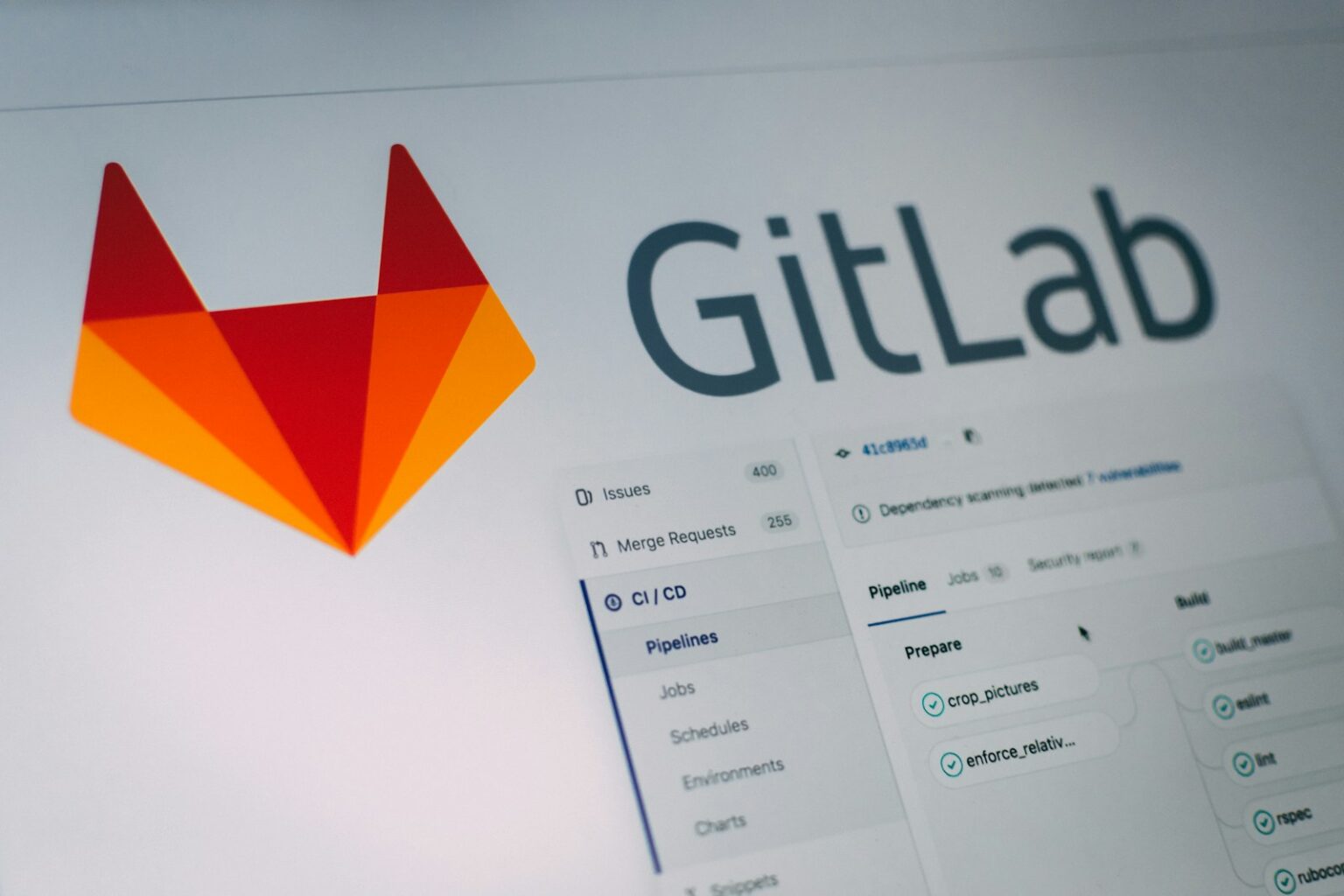
Gitlab application screengrab
WWW

Gitlab’s new AI is like a digital teammate for developers

Last updated: September 30, 2025 5:20 pm
Cyberessentials.org
Share
SHARE

A developer’s day is often a constant juggle. You write code. You try to understand old systems. You struggle with project pipelines. It can be overwhelming. The promise of AI was to help with this. But often, it just feels like another tool to learn.

Contents
  • Build a custom AI agent to be the exact colleague you need
  • Giving your AI a map of your code
  • An AI that helps fix broken code
  • You are always in control of the AI
  • A new way of working together

GitLab’s latest release, version 18.4, wants to change this. The big idea is to stop treating AI like a smart parrot and start treating it like a custom-built member of your team. It’s a whole new way to think about artificial intelligence in your daily work.

Build a custom AI agent to be the exact colleague you need

The most exciting new feature is GitLab’s new AI Catalog. Think of it like a training ground for your own digital apprentices. Every team has its own way of doing things. Now, you can teach that special knowledge directly to an AI.

Imagine you could create a ‘Security Specialist’ agent. This agent knows your company’s security rules perfectly. It automatically flags issues in every piece of code submitted. Or what about a ‘Documentation Pro’ agent? It could take your rough notes and instantly create perfectly formatted guides. It would use the exact style your team prefers. You could even create a ‘Bug Squasher’ agent. This agent would file bug reports with the precise format your manager insists on, every single time.

This is about taking the boring, repetitive tasks and giving them to an AI. An AI that does them your way. These agents fit right into your workflow. They become a natural part of how you work, not another app that distracts you.

Giving your AI a map of your code

An AI teammate is only useful if it actually understands your project. We have all seen chatbots give confident but wrong answers. This happens because they lack context. That’s where the new GitLab Knowledge Graph comes in.

The new GitLab Knowledge Graph creates a living, breathing map of your entire codebase. It doesn’t just see files. It understands the connections between them. It knows how a change in one area might cause problems in another. You can ask it real questions, like, “What other services does this change impact?” and get a real answer.

For your new AI agents, this is a game-changer. It’s the difference between wandering in the dark and having a complete architectural blueprint. It gives them the deep context they need to give you truly helpful advice.

An AI that helps fix broken code

Even with the best team, things still break. Every developer knows that sinking feeling when a critical process, or ‘pipeline’, fails. The new ‘Fix Failed Pipelines Flow’ is designed to help.

This feature is smart because it is business-aware. It understands that a broken pipeline on the main customer-facing app is a huge emergency. But a failure in an experimental feature can probably wait. It analyzes the error logs with this context. It identifies the real cause of the problem. It even suggests a fix by creating a merge request for you to approve. It’s like having a senior engineer who not only spots the problem but also understands its urgency and helps you fix it.

You are always in control of the AI

Letting an AI have access to your company’s private code can feel risky. GitLab understands this anxiety. They have built in important safety controls.

First, GitLab gives you full control to select which large language models (LLMs) power your AI features. This means you can stick with providers you already know and trust. Even better is the new Context Exclusion feature. This lets you draw red lines around sensitive parts of your project. You can block access to files with secrets, passwords, or key company algorithms. You can tell the AI, “You cannot access this. Ever.” This gives you the confidence to use AI without risking your most important data.

A new way of working together

This release shows a new vision for the future of software development. It’s not about replacing humans. It’s about making humans work better with AI. GitLab CEO Bill Staples put it perfectly:

“We are reimagining the future of software engineering as a human and AI collaboration, where developers focus on solving technical, complex problems and driving innovation, while AI agents handle the routine, repetitive tasks that slow down progress.”

GitLab’s latest tools promise a future where you are not just a coder. You are an orchestrator. You collaborate with a team of specialized AI agents to solve problems faster and better than ever before.


Why US VPS Hosting is The Default Choice For Developers
The Future of Cloud Hosting: Autonomous Billing, KVM Virtualization, and Crypto
Comment les ressources de liens en ligne rendent la navigation sur le Web plus rapide et mieux organisée
AWS Discounts for Startups: How to Lower Cloud Spend Early
Programming languages – compiled vs. interpreted. What are the differences?
Share This Article
Facebook Copy Link Print
Share
Previous Article red and white circuit board What to do With a Raspberry Pi
Next Article a sign on a wall Nvidia GeForce RTX 5090 Review: The Dawn of a New Era
Leave a Comment

Leave a Reply Cancel reply

Your email address will not be published. Required fields are marked *

Latest News

Hands connecting smartphone to office network
BYOD Policy Guide: Security Rules and Templates for IT Teams
Technology
Server rack locks and network cables close-up
Data Loss Prevention: What It Is and How to Deploy It
Technology
Office desk with invoice and laptop keyboard
8 Email Phishing Examples You’ll Actually See in Your Inbox
Security Technology
Hands setting up credit freeze on devices
Five Moves That Actually Stop Identity Theft
Security
Who still gets paid in tech? Five corners of the industry that changed faster than anyone planned
Technology
GPS Tracker Security: Protecting Location Data, Accounts and Vehicles
Security
a person holding a phone
Top 7 AI Identity Verification Platforms for Enterprise Businesses
AI
A hand typing on a glowing keyboard in dim lighting, perfect for tech themes.
Best 9 MDR Services for Enterprises in 2026
Security

							banner							
							banner
Cyberessentials.org
Discover the latest in technology: expert PC & hardware guides, mobile innovations, AI breakthroughs, and security best practices. Join our community of tech enthusiasts today!

Recommended

a close up of a network with wires connected to it
Understanding the Difference Between CAT6 and CAT6a Ethernet Cables
Guides Technology
black flat screen computer monitor beside white computer keyboard
The Difference Between Converting HDMI to DisplayPort and DisplayPort to HDMI
Guides
person holding black android smartphone
What is my WhatsApp number?
Guides
two red and white boxes sitting on top of a wooden table
What Is an NVMe Slot and What Does It Look Like?
Guides
A person holding two gold coins in their hand
Best Crypto Leverage Trading Platform
Crypto
A phone that is sitting on a table
How to Find Working Promo Codes for Shein and Temu
Guides
Margin Trading on ByBit Exchange: A Beginner’s Guide
Crypto
selective focus photography of gray glasses
Augmented Reality in Accounting: Enhancing Financial Processes
Guides
black iphone 4 displaying icons
Apple bans controversial ICEBlock app amid pressure from Trump administration
Gadget News
laptop
The 10 Best Laptops for Cybersecurity Professionals
PC & Hardware Security

You Might also Like

a white cube with a yellow and blue logo on it
WWW

Best Python courses for beginners

Cyberessentials.org
19 Min Read
//

Discover the latest in technology: expert PC & hardware guides, mobile innovations, AI breakthroughs, and security best practices. Join our community of tech enthusiasts today!

Categories

  • AI
  • Crypto
  • Gadget
  • Gaming
  • Guides
  • Marketing
  • Mobile
  • News
  • PC & Hardware
  • Security
  • Software
  • Technology
  • Uncategorized
  • WWW

Recent Articles

  • Why US VPS Hosting is The Default Choice For Developers
  • The Future of Cloud Hosting: Autonomous Billing, KVM Virtualization, and Crypto
  • BYOD Policy Guide: Security Rules and Templates for IT Teams
  • Data Loss Prevention: What It Is and How to Deploy It
  • 8 Email Phishing Examples You’ll Actually See in Your Inbox

Support

  • PRIVACY POLICY
  • TERMS OF USE
  • COOKIE POLICY
  • OUR SITE MAP
  • CONTACT US
Cyberessentials: Technology MagazineCyberessentials: Technology Magazine
© 2025 Cyberessentials.org. All Rights Reserved.
Welcome Back!

Sign in to your account

Username or Email Address
Password

Lost your password?