
Quick privacy tips for anyone who wants more control over outgoing phone info. This short guide shows clear steps you can use right now and settings that keep your number private on both types of devices.
- Quick ways to hide your number right now
- Ways to Block Your Number and Hide Your Caller ID on iPhone or Android
- Hide caller ID through your carrier for consistent blocking
- Use a second phone number for ongoing privacy and texts
- Important limits, regional codes, and quick troubleshooting
- Conclusion
- FAQ
- How can I quickly make a one-time call show as private?
- What star codes let me hide or show my number for a single call?
- How do I turn off caller ID on an iPhone permanently?
- What are the steps to hide my number on most Android phones?
- Can my wireless carrier block my number for all outgoing calls?
- Are there trade-offs when I ask the carrier to hide my caller ID?
- What if I want a long-term private number for calls and texts?
- Do second-number apps work for both calls and SMS?
- Which numbers can’t be blocked by caller ID settings?
- How can I temporarily show my number if it’s blocked by default?
- What if the star codes don’t work where I live?
- Why does my iPhone sometimes still show my number despite settings?
- How do recipients react to private calls, and can that affect response rates?
- Are there privacy laws or rules about hiding caller ID?
One-off privacy: Dial *67 before a US or Canada area code to hide your number on a single call. In the UK, use 141 before the number.
Persistent privacy: On an iPhone open Settings → Phone → Show My Caller ID and switch it off (carrier permitting). On Android, open the Phone app, tap Caller ID or Additional/Supplementary settings, then choose Hide number.
Need account-level blocking? Call your carrier at 611 — some plans charge a fee. Remember, emergency services and toll-free lines still see your real number, and some people block private calls.
We also cover apps and second-line services like Burner, Hushed, and Google Voice later, so you can pick the way that fits how you use your phone.
Quick ways to hide your number right now
In a hurry? A simple prefix can keep your info private for a single call. In the US and Canada dial *67 before the full 10-digit number (for example: *67-555-123-4567). The person you call will see “Private,” “Blocked,” or “No Caller ID.”
Open phone, tap the keypad, and enter the star code plus the area code and number. This works on iPhone, Android, and most landlines. It’s a one-time setting, so you must re-enter the code each time you want privacy.
- Fast fix: No settings change or app needed; use it when you need privacy in seconds.
- Limitations: Toll-free services and 911 still receive your real number for routing and safety.
- Recipient blocking: Some people block hidden calls, so your call may not go through.
- Outside US/Canada: In the UK dial 141 before the number; check local carrier codes elsewhere.
Use this method as a quick privacy tool when you don’t have time to adjust settings or install a second-line app.
Ways to Block Your Number and Hide Your Caller ID on iPhone or Android
Quick choice: Use a short dial code for a single call, or change a system toggle for ongoing privacy across your devices.
Star codes for one-off calls
Dial *67 before a number to conceal your caller info for that call. If your line is normally hidden and you need to reveal it, dial *82.
iPhone steps
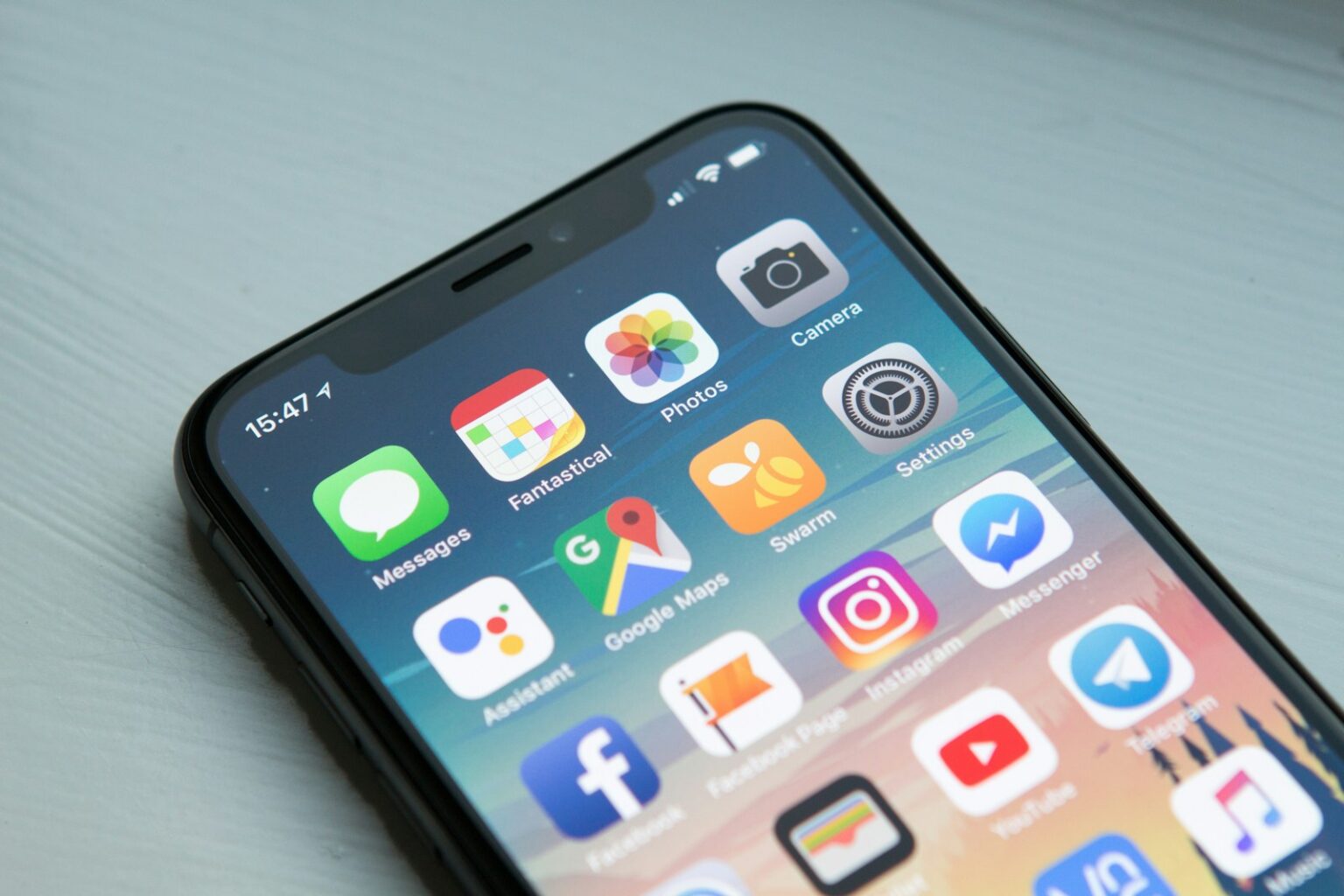
Open Settings → Phone → Show My Caller ID and switch it off to hide your phone number on outgoing calls. If that toggle is missing, your carrier may control the feature — contact support.
Android steps
Open the Phone app, go to Settings → Caller ID (or Additional/Supplementary services) and choose Hide number. Menu labels vary by brand (Samsung, Pixel), so search system settings if needed.
- Quick vs persistent: Star codes are fast for single calls; system settings handle ongoing privacy.
- Test it: Call a trusted contact to confirm how your info appears before important calls.
- Note: These options typically affect voice calls only; use a second line for texts or long-term anonymity.
Hide caller ID through your carrier for consistent blocking
For a setup that works every time, speak with your carrier about enabling anonymous calling on your plan. Dial 611 from your mobile to reach providers such as AT&T, Verizon, or T‑Mobile and ask for account-level caller ID blocking.
This network feature can hide caller identity even when your phone lacks a toggle. It often applies across all lines as the carrier configures the account. Expect a short explanation, confirmation of whether the change is line-specific or account-wide, and any recurring fee.
- Use this option when system settings are missing or unreliable.
- You can still dial *82 when you need to show your number for a business or service.
- Carriers may call the feature “Anonymous Call Rejection,” “Caller ID Blocking,” or similar; ask for clarification.
- Toll-free numbers and 911 will continue to receive your real number for safety and routing.
Want to compare a quick code versus carrier control? Read more about how Star 67 still works and pick the best path for your calls.
Use a second phone number for ongoing privacy and texts
A dedicated second phone number gives you control over who sees your main contact info. This approach uses an app that supplies a real local line for everyday use. Recipients see a normal number, which often improves answer rates compared with “Private.”
Popular options include Google Voice (free) and paid burner-style apps such as Burner and Hushed. Setup is quick: download the app, choose a number, and start calling and texting from that line.
- Works for calls and texts: The second line handles both, so you can sign up for services or run projects without exposing your primary phone number.
- Easy to change: When spam or unwanted contacts appear, retire the number and pick a new one.
- Extra features: Many apps include voicemail, call forwarding, and spam filters for cleaner communication.
- Better trust: People answer more often when they see a standard number instead of a blocked or private label.
Important limits, regional codes, and quick troubleshooting
There are clear limits and quick fixes that matter when you need privacy fast. Caller blocking does not hide your line from toll-free services (for example, 800/888/877) or emergency numbers like 911. Some businesses and people reject calls labeled “private.”
Numbers that can’t be blocked
Expect certain calls to fail if the recipient blocks private labels. If that happens, temporarily reveal your ID by entering *82 before the phone number and place the call again.
Temporarily unhide and test
Open phone, check your setting, then make a short test call to a friend to confirm how your info appears. This helps avoid missed or time-sensitive calls.
Regional codes and carrier limits
In the UK use 141 before the area code for an anonymous call. Elsewhere, ask your carrier about local star codes. If the iPhone Show My Caller ID toggle is missing, the carrier likely controls it. On Android, Caller ID menus vary by model and carrier; search system settings if needed.
- If calls drop or don’t ring, the receiving line may reject private calls; try again with your number visible.
- Checklist: confirm your setting, try *67 or 141 by region, and test with a trusted contact before important calls.
Conclusion
Decide whether you need a quick, one-off privacy trick or a stable, app-based number you can use long-term. For a fast private call, use *67 (or 141 in the UK). Use *82 when you must show caller info temporarily.
For day‑to‑day control, check your phone settings or ask your carrier via 611 to apply account-level blocking. Second-line apps like Google Voice, Burner, or Hushed keep a separate phone number for calls and texts and often improve answer rates.
Remember that 911 and toll-free lines still see your real details and some people reject hidden calls. Test once before time‑sensitive calls, and learn more about how to hide your number when calling for business or personal use.
FAQ
How can I quickly make a one-time call show as private?
Dial *67 before the area code and number in the U.S. and Canada. This hides your caller info for that single outgoing call. For many other countries, use local blocking codes such as 141 in the U.K. or check with your carrier for the right code.
What star codes let me hide or show my number for a single call?
Use *67 to hide your number and *82 to unblock it for that single call in North America. These are temporary overrides and don’t change your account-level settings.
How do I turn off caller ID on an iPhone permanently?
Open Settings → Phone → Show My Caller ID and toggle it Off. If the option is missing, your carrier may control this feature — contact support or use a carrier code.
What are the steps to hide my number on most Android phones?
Open the Phone app, tap the three dots or menu, go to Settings → Caller ID or Additional settings, and choose Hide number. Exact menus vary by manufacturer and Android version.
Can my wireless carrier block my number for all outgoing calls?
Yes. Call your carrier’s customer service or dial 611 to request account-level caller ID blocking. This makes your number private on every outgoing call until you ask to remove it.
Are there trade-offs when I ask the carrier to hide my caller ID?
Carriers may charge a fee or limit features for blocked lines. Some businesses and emergency services may reject private calls. Confirm fees and limitations with AT&T, Verizon, T‑Mobile, or your local provider.
What if I want a long-term private number for calls and texts?
Use a second number app like Burner, Hushed, or Google Voice. These services let you call and text without exposing your main number, and you can change or discard numbers as needed.
Do second-number apps work for both calls and SMS?
Yes. Apps such as Google Voice, Burner, and Hushed support calling and texting. They’re useful for selling items, dating, or business use to keep your primary number private.
Which numbers can’t be blocked by caller ID settings?
Emergency numbers like 911 and some toll-free or service lines may bypass blocking. Also, some recipients’ networks or devices will reject calls labeled as private.
How can I temporarily show my number if it’s blocked by default?
Dial *82 before the number for a single call in North America. That temporarily reveals your caller ID even if account-level blocking is active.
What if the star codes don’t work where I live?
Codes vary by country. Contact your carrier or check local support pages. In the U.K., for example, you can use 141 to hide a number for a single call.
Why does my iPhone sometimes still show my number despite settings?
Some carriers override device settings. If Show My Caller ID is grayed out, call your carrier. Also confirm you aren’t using Wi‑Fi calling or a VoIP app that uses a different caller ID.
How do recipients react to private calls, and can that affect response rates?
Many people ignore private or unknown numbers. Using a recognizable second number or unblocking caller ID for certain calls often improves answer rates and trust.
Are there privacy laws or rules about hiding caller ID?
Regulations vary. Blocking your number is generally legal for personal privacy, but misusing caller ID for fraud is illegal. Businesses must follow telecom and consumer protection rules when masking numbers.