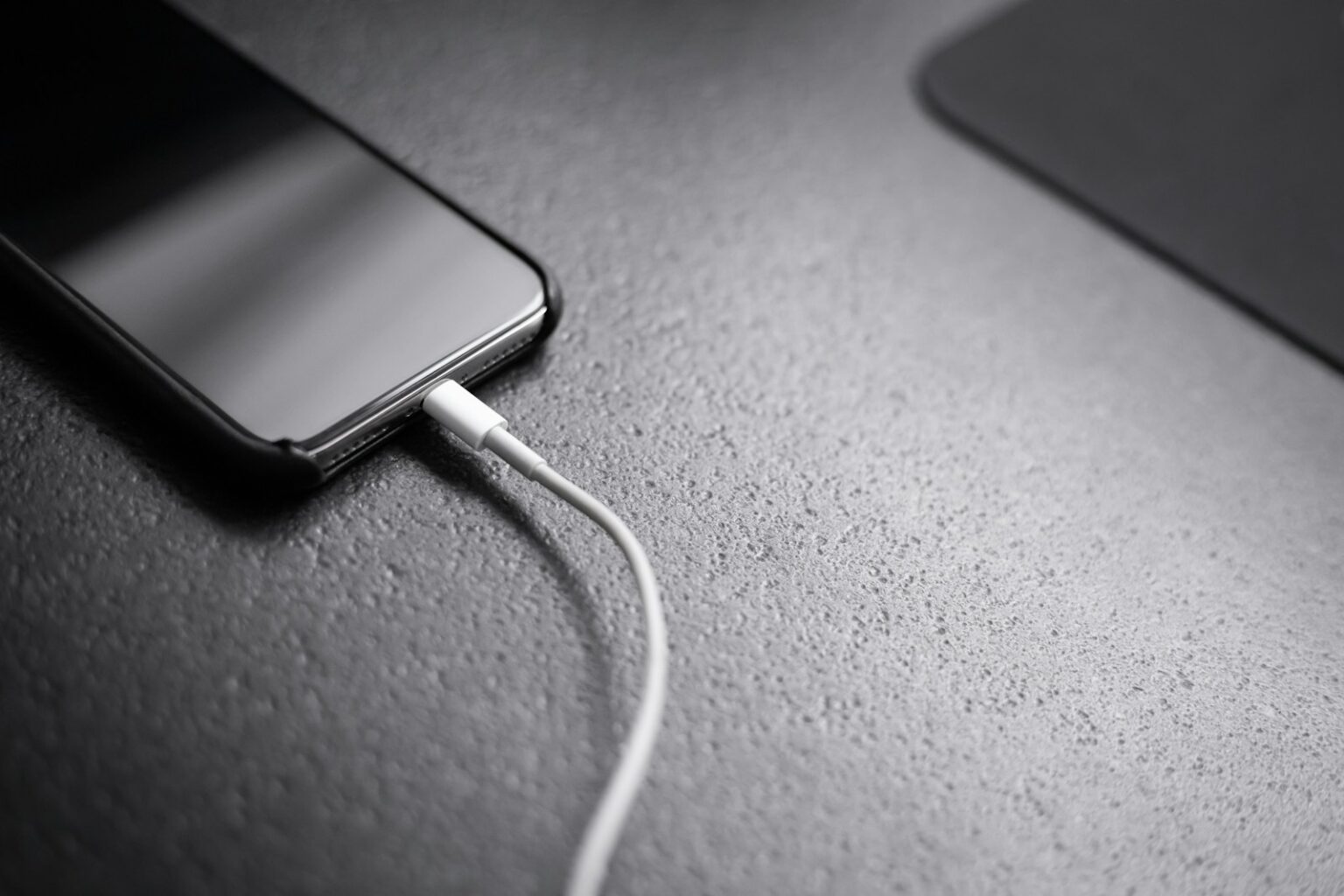

Pass-through makes life simpler. It lets a power bank or portable power unit plug into a wall outlet and keep your devices powered from its own ports at the same time. Smart designs route incoming current to the device first, then fill the internal battery once safe thresholds are met.
- Pass-Through Charging Explained in Plain Terms
- How Pass-Through Charging Works Under the Hood
- Power Banks vs. Portable Power Stations: Which Is Right for You?
- Key Benefits and Trade-Offs of Pass-Through Charging
- Safety, Heat, and Battery Health in Pass-Through Charging
- BMS protections and why heat is the enemy
- LFP vs. NMC: thermal stability and cycle life
- Certifications and real-world tips
- What Is Pass-Through Charging? A How-To Use It Safely and Effectively
- Match power: wall wattage, input limits, and device demand
- Setup scenarios: wall outlet, solar input, and multiple ports
- Best practices: avoid excess heat, prioritize critical devices, monitor status
- Conclusion
- FAQ
- What does pass-through charging mean for a power bank or power station?
- How does the “power flows through” concept actually work?
- Why does the battery seem to do two jobs and get hot?
- How do banks decide when to charge themselves versus powering devices?
- Is an EPS behavior the same as a UPS during power switchover?
- Should I choose a power bank or a portable power station for laptops and small appliances?
- What should I look for in capacity, ports, and inputs?
- What are the main benefits of using pass-through charging?
- Are there trade-offs or speed limitations when using pass-through?
- How does a BMS protect the battery during pass-through use?
- Does cell chemistry matter for heat and longevity?
- Which certifications should I check for in the U.S.?
- How can I use pass-through safely and effectively?
- Can I use solar input and pass-through at the same time?
- Any best practices to extend battery life when using pass-through?
- Will pass-through reduce the lifespan of my power bank?
This setup avoids extra heat and stress that can shorten cell life. It also saves outlets and cuts the hassle of juggling chargers when you need to charge a phone, laptop, or accessories quickly.
Expect convenience, not speed: total charging time for everything can be longer because input power is shared. Safety hinges on good engineering — a solid BMS, thermal design, and certifications like UL or CE. The guide ahead will show how this feature works, compare power bank vs. portable power station, and offer safe best practices.
– Simple definition: plug the unit into a wall outlet and still power devices from its ports.
– Smart power routing reduces heat and protects battery life.
– Good design and certifications matter for safe, long-term use.
Pass-Through Charging Explained in Plain Terms
When you plug a unit into a wall outlet, smart routing sends incoming power to your gadget first, then tops up the internal battery with any spare energy.
Priority designs bypass the cell while a device draws current. That keeps the battery from charging and discharging at the same time. Simpler units, by contrast, may feed the pack and draw from it simultaneously, which creates heat and speeds wear.
- Think of wall power as a highway: your laptop gets the fast lane and the battery takes the slow lane only if space remains.
- If an outlet supplies 100W and a laptop needs 65W, the remaining 35W can trickle into the internal cell.
- Your smartphone and phones simply receive stable power; the unit handles the rest behind the scenes.
Why it matters: this technology means fewer bricks when you travel and safer handling of multiple devices. It also works with solar input if you respect input wattage and port limits. Check your model’s specs so the logic functions without overloading ports.
| Design | Primary flow | Heat | Best use |
|---|---|---|---|
| Priority path | Outlet → device → battery | Low | Laptops, phones |
| Simulated simultaneous | Outlet → battery ↔ device | Higher | Budget power banks |
| Solar input compatible | Depends on input limits | Varies | Outdoor setups |
How Pass-Through Charging Works Under the Hood
Inside these units, controllers route incoming mains so gadgets stay powered while the internal cells refill only when safe.
Priority power path
Priority designs steer wall input directly to connected devices first. Any leftover supply then tops up the internal battery. That reduces stress and keeps temperatures lower during use.
Simulated charge/discharge
Budget units often feed the pack and draw from it at once. That creates conversion losses, raises heat, and wastes energy. Over time this pattern accelerates wear and can cause overheating in poor designs.
Time-sharing thresholds
Many power banks use threshold logic: they alternate between device output and cell charging. The system charges the pack up to a set level, then restores device power, repeating as needed. This preserves battery life and limits thermal stress.
EPS vs. UPS behavior
High-quality power stations can swap to internal cells in under 30 milliseconds. That works for laptops, lights, and most electronics, though true UPS units still beat that for critical servers.
- BMS role: the system’s brain that controls current, voltage, and temperature.
- Watch for heat: cooler operation usually signals a smarter power path and better long-term performance.
- Check specs: if load exceeds input, the unit will prioritize your gear and slow internal charging.
Power Banks vs. Portable Power Stations: Which Is Right for You?
Small banks excel at daily phone boosts; larger stations handle laptops and small appliances off-grid.
Power banks are pocketable and ideal for smartphones, tablets, and small gadgets. They usually recharge from a wall outlet or USB-C PD and fit easily in a bag.
Portable power stations offer far more capacity and output options. Expect AC outlets, higher-watt USB-C PD, and multiple ports to run a laptop or small appliance. Many stations accept wall, car, or solar input for flexible recharging.
- Pick a power bank for commuting and travel when weight and size matter.
- Choose a power station for camping, outages, or remote work that needs longer runtimes.
- Confirm whether your model supports pass-through before relying on simultaneous use and refill.
| Feature | Power bank | Power station | Best for |
|---|---|---|---|
| Typical capacity | 5,000–30,000 mAh | 100–2,000+ Wh | Phones/tablets vs. laptops/appliances |
| Outputs | USB-A, USB-C, built-in cables | USB-C PD, AC outlets, 12V car | Small devices vs. varied device types |
| Input options | Wall, USB-C PD | Wall, car, solar | Daily top-ups vs. off-grid recharging |
| Portability | Lightweight, pocketable | Heavier, longer runtime | Carry-on vs. basecamp use |
Match capacity, port mix, and input methods to your devices and the grid you’ll use. That ensures the right balance between portability and runtime.
Key Benefits and Trade-Offs of Pass-Through Charging
Using a single wall outlet to feed a hub of devices cuts clutter and makes travel or desk use much simpler.
Convenience: You can power multiple devices from one outlet without juggling adapters or hunting for sockets. Smart controllers route available power to active loads first, so work keeps moving when uptime matters most.
Speed realities: Since the same input feeds both your gear and the internal pack, total charging time often increases. Expect slower full fills when many devices draw current at once.
- Fewer bricks: One unit replaces several chargers and reduces cable mess.
- Priority delivery: Active devices get first claim on wall power, which helps during busy periods.
- Engineering matters: Priority power paths cut losses and heat versus designs that force simultaneous battery charge and discharge.
- Practical tip: Reserve this feature for when convenience outweighs speed to extend battery life.
- Watch temps: Cooler operation signals efficient power routing; high heat can shorten cell lifespan.
Bottom line: Enjoy fewer cables and smarter outlet use today, but plan for longer total charge time when everything must top up together.
Safety, Heat, and Battery Health in Pass-Through Charging
Excessive warmth accelerates degradation, stressing both cells and the electronic safeguards that protect them.
BMS protections and why heat is the enemy
The battery management system (BMS) monitors voltage, current, and temperature to prevent over-voltage, over-current, and overheating. If temps climb, the BMS may throttle output or stop input to protect cells.
Priority power designs reduce waste heat by avoiding simultaneous charge and discharge. Cooler operation means longer lifespan for the battery and fewer thermal events.
LFP vs. NMC: thermal stability and cycle life
Choose chemistry to match your use. LFP offers superior thermal stability and often 3,000–6,000+ cycles. NMC gives higher energy density but usually 1,000–2,000 cycles and lower heat tolerance.
Certifications and real-world tips
- Look for UL for U.S. safety, CE for global markets, and FCC for EMI compliance.
- Keep units ventilated, avoid covering vents, and pause if temperatures rise during heavy use.
- Review the data sheet for supported operating temps and cycle ratings to match long-term expectations.
| Chemistry | Thermal stability | Typical cycles |
|---|---|---|
| LFP | High | 3,000–6,000+ |
| NMC | Moderate | 1,000–2,000 |
What Is Pass-Through Charging? A How-To Use It Safely and Effectively
Start by matching the power coming in with the sum of everything you plan to run. That helps the station both run your devices and refill its internal pack without overloading ports or cables.
Match power: wall wattage, input limits, and device demand
Confirm wall or solar input meets device draw before you rely on simultaneous operation. For example, a 100W wall supply powering a 65W laptop leaves about 35W to charge the internal battery.
Use EPS-capable units when you need near-instant switchover if the grid fails. Always respect input specs and certified limits on ports and cables.
Setup scenarios: wall outlet, solar input, and multiple ports
Single wall outlet: plug the station into a dedicated outlet and check the display or app for input and output wattage.
Solar input: many stations accept solar and use daytime energy to run loads while banking surplus energy for night use.
Multiple ports: spread phones, a laptop, and small equipment across high-power and low-power ports to avoid bottlenecks.
Best practices: avoid excess heat, prioritize critical devices, monitor status
- Prioritize essential gear first; add secondary items only when input overhead is confirmed.
- Keep the unit ventilated and pause if temperatures climb—heat shortens battery life.
- Use quality PD adapters and rated cables so ports operate within safe limits.
- Watch the display or app for input/output and battery percentage to tune what’s plugged in.
- Look for UL, CE, and FCC marks as evidence of vetted safety and compliance.
| Setup | Typical advice | Why it matters |
|---|---|---|
| Wall outlet | Match adapter wattage to load | Maintains simultaneous operation |
| Solar | Use daytime input to run loads and store surplus | Extends off-grid runtime |
| Multiple ports | Distribute devices to rated ports | Prevents overloading and heat |
Conclusion
, When outlets are scarce, a smart unit keeps your gear running while it refills itself. Pass-through charging routes wall input to your device first, then tops up the internal battery for everyday convenience.
Engineering matters: look for priority power paths, a robust BMS, and near-instant EPS-style switchover (under 30 ms) to avoid interruptions. Choose LFP chemistry when lifespan and thermal stability matter; NMC trades density for lower cycle life.
Scan for UL, CE, and FCC marks before you buy. Remember: shared input often means longer total fill time, but the trade-off is fewer chargers and less clutter. Match a power bank or power station to your capacity and port needs, watch temps, and prioritize critical devices to get the most from this feature.
FAQ
What does pass-through charging mean for a power bank or power station?
Pass-through charging lets a battery pack receive power from the wall while simultaneously powering connected devices. In practice it creates a direct power path so your phone or laptop can draw energy immediately, instead of waiting for the bank to finish charging first.
How does the “power flows through” concept actually work?
The device routes incoming AC or DC input to its output ports first, using onboard converters and power management. If input meets device demand, the bank supplies that power to peripherals and uses any leftover to recharge its internal battery.
Why does the battery seem to do two jobs and get hot?
When a pack both charges and discharges, its circuitry switches rapidly between modes and handles higher currents. That dual action raises internal resistance and heat. Good thermal design and a smart BMS reduce stress, but some warming is normal.
How do banks decide when to charge themselves versus powering devices?
Many units use time-sharing or priority logic. They monitor input wattage and device draw, then route power to outputs first. If input exceeds demand, the remainder charges the battery. Thresholds vary by model and firmware.
Is an EPS behavior the same as a UPS during power switchover?
No. An emergency power supply (EPS) in many power stations switches quickly, but a true UPS provides uninterrupted power with near-zero transfer time. Some high-end stations mimic UPS behavior; most consumer banks have brief switchover gaps.
Should I choose a power bank or a portable power station for laptops and small appliances?
For phones and tablets, compact USB power banks work well. For laptops and small appliances that need AC power or higher wattage, choose a portable power station with AC outlets, higher capacity, and robust input/output options.
What should I look for in capacity, ports, and inputs?
Match capacity (Wh) to your device needs, check ports (USB-C PD, USB-A, AC), and confirm input types—USB-C, AC, or solar. Also verify input wattage limits so the unit can recharge quickly without overheating.
What are the main benefits of using pass-through charging?
It provides convenience—powering multiple devices from a single outlet, charging the bank in the background, and reducing cable clutter. It’s handy for travel, workstations, or camping setups when outlets are limited.
Are there trade-offs or speed limitations when using pass-through?
Yes. Total available input power is shared, so devices and the battery may charge more slowly than when charged separately. High combined draw can lengthen overall charge time or trigger thermal cutoffs.
How does a BMS protect the battery during pass-through use?
The battery management system monitors voltage, current, and temperature, and it will throttle charging, disconnect outputs, or stop charging entirely to prevent damage. BMS acts as the “brain” to preserve safety and lifespan.
Does cell chemistry matter for heat and longevity?
Yes. LFP cells (lithium iron phosphate) offer better thermal stability and longer cycle life than NMC cells, making them safer under continuous pass-through use. NMC packs are lighter and energy-dense but run hotter over time.
Which certifications should I check for in the U.S.?
Look for UL listings, FCC compliance for electronics, and certified safety marks from recognized labs. These indicate the unit met standards for electrical safety, emissions, and performance.
How can I use pass-through safely and effectively?
Match the power bank input rating to your wall adapter, avoid overloading ports, and prioritize critical devices. Keep the unit ventilated, don’t cover vents, and monitor temperature during heavy use.
Can I use solar input and pass-through at the same time?
Many stations accept solar input and support simultaneous device output. However, solar power varies, so the bank’s logic will prioritize device supply and use excess for charging. Check the station’s MPPT and input limits.
Any best practices to extend battery life when using pass-through?
Avoid extreme temperatures, don’t keep the pack at 100% all the time, and limit high-current simultaneous charging. Periodic full cycles and using units with smart thermal management will extend lifespan.
Will pass-through reduce the lifespan of my power bank?
It can, if the unit runs hot or constantly handles high currents. Proper thermal design and cell chemistry help mitigate wear. Using recommended adapters and avoiding continuous heavy loads will reduce long-term stress.