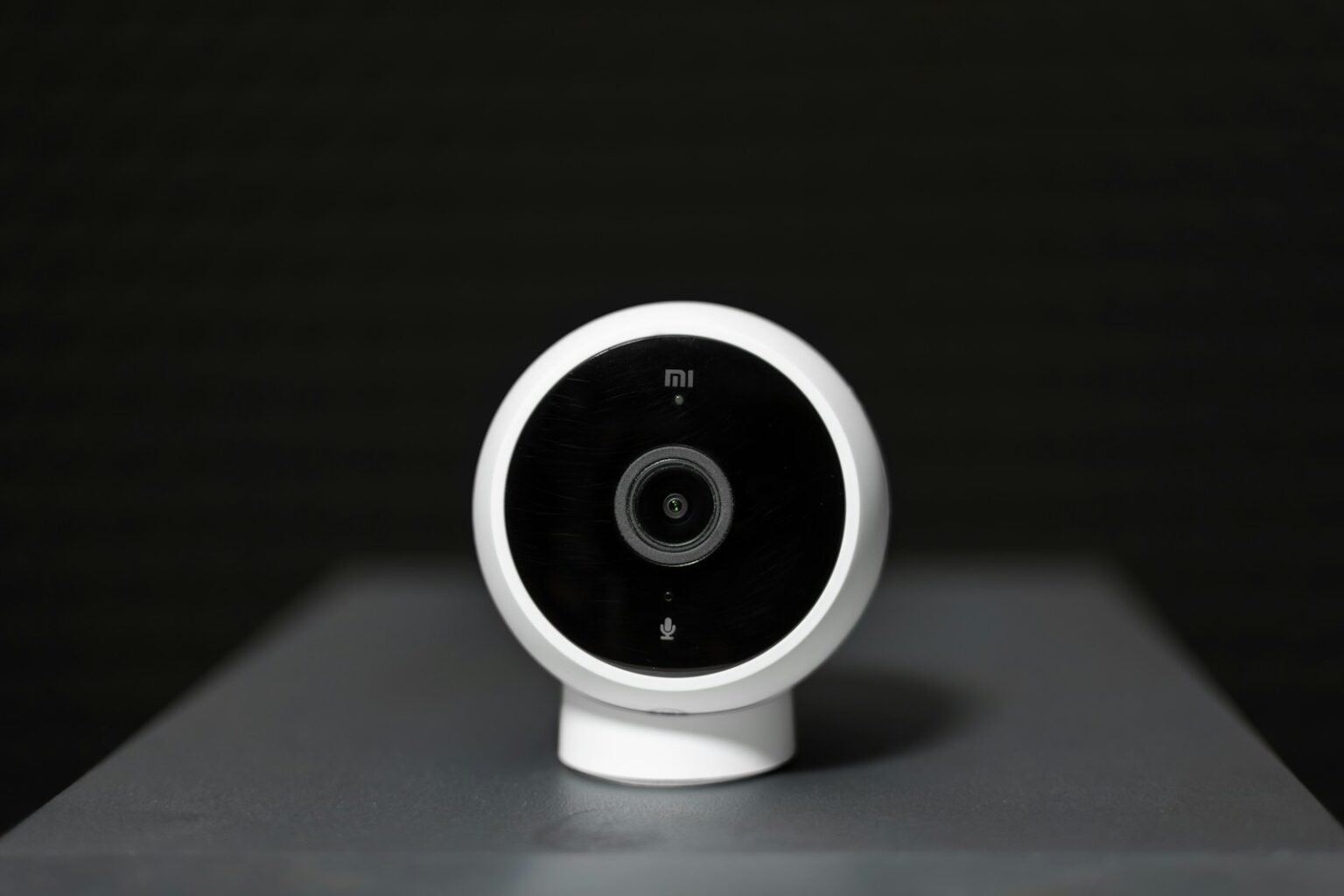

Quick answer: many models depend on a home wireless link for live video, motion alerts, cloud uploads, and app access. When that internet connection drops, you lose instant notifications and cloud backups.
- Quick Answer for Today’s Users in the United States
- Does The Ring Camera Still Record Without Wifi
- How devices behave during network outages: recording, access, and resume
- Local storage and Ring Protect: what’s possible
- Motion detection when offline
- 2.4 GHz vs. 5 GHz compatibility and why it matters
- What You Lose Without a Wireless Network on a Ring Camera
- No live streaming, missed motion alerts, and paused two‑way audio
- Reduced smart features: zones, app controls, and remote access
- Ways to Keep a Ring Camera Working in the Absence of Wi‑Fi
- Alternatives When You Need Security Cameras That Work Without Wi‑Fi
- LTE‑enabled security cameras for remote areas
- Traditional CCTV and DVR systems for always‑on recording
- Standalone cameras with local storage
- How to choose: coverage, storage, monitoring needs, and budget
- Setup Notes, Performance Tips, and Troubleshooting for Low‑Connectivity Homes
- Placement, signal checks, and reducing interference for better streaming
- Firmware and app updates to enhance features and stability
- Power and failover checks
- Conclusion
- FAQ
- Does a Ring camera keep recording if Wi‑Fi goes out?
- What happens to motion alerts and live view during an outage?
- Can I record locally without a Ring Protect plan?
- Does 2.4 GHz vs. 5 GHz matter for staying connected?
- Will firmware updates or encryption affect offline behavior?
- Can I use a mobile hotspot to keep a camera working?
- Are there Ring models that support Ethernet for more stable connections?
- What power options help cameras stay online during outages?
- What alternatives exist if I need cameras that don’t rely on home Wi‑Fi?
- Can I configure the app for better performance in low‑signal homes?
- Is offline video recording available in the Ring app?
Some ring camera units can keep limited local clips or queue footage if they support local storage. Those features vary by model, so users should check specs before relying on offline recording.
Practical fixes include mobile hotspots, Ethernet on compatible devices, mesh extenders, and LTE-enabled alternatives. For remote sites, consider standalone DVRs or cellular cams to keep continuous monitoring.
Power matters: use batteries, UPS, or solar panels to avoid blind spots during outages. Later sections show which models support dual‑band Wi‑Fi, why 2.4 GHz often wins for range, and how to pick a setup that fits your security needs.
Quick Answer for Today’s Users in the United States
Short answer: For most homes, a stable network is required for live streaming, motion alerts to your phone, cloud uploads, app access, firmware updates, and two‑way audio. When that connection drops, you lose instant alerts and cannot view cloud recordings until service returns.
Some models may capture limited local clips and then sync once the network comes back. That feature varies by device and model, so check specs if offline capture matters to you.
- Keep devices on 2.4 GHz for better range, or use 5 GHz for high‑quality nearby streaming if supported.
- Use a smartphone hotspot for temporary access and to restore alerts quickly during outages.
- Once your connection returns, app access resumes and any supported cloud uploads will catch up.
| Feature | When Network Is Up | When Network Is Down |
|---|---|---|
| Live view / streaming | Available instantly via app | Unavailable until connection returns |
| Motion alerts | Push notifications sent to users | Missed; no remote alerts |
| Cloud recordings | Stored and accessible remotely | Uploads pause; local sync only if supported |
| Two‑way audio | Works through app | Disabled until reconnection |
Does The Ring Camera Still Record Without Wifi
Quick rundown: When a home network drops, most cloud-first units stop live streaming, push alerts, cloud uploads, and app access. Some modern models can queue short clips locally and upload them once service returns.
How devices behave during network outages: recording, access, and resume
Live view and remote access end during an outage. Motion detection logic may keep running on device, but you won’t get push alerts until connectivity returns.
If a unit supports local storage or an offline recording toggle, it can save limited footage and sync later. Many products still prioritize cloud storage, so this is model dependent.
Local storage and Ring Protect: what’s possible
Ring Protect stores videos in the cloud for up to 60 days once a device reconnects. End‑to‑end encryption helps keep those files private for authorized users only.
Card‑based storage is rare on these units; check specs if local storage matters. Firmware updates pause during outages and resume after reconnection.
Motion detection when offline
Motion detection can run locally, but notifications and remote clips stop. If local recordings exist, they’ll usually upload when the internet connection returns.
2.4 GHz vs. 5 GHz compatibility and why it matters
Choose 2.4 GHz for longer range and better wall penetration at distant mounts. Pick 5 GHz for higher bitrate close to your router. Dual‑band models give the best flexibility for placement and performance.
| Function | When Network Is Up | When Network Is Down |
|---|---|---|
| Live view | Available via app | Unavailable |
| Motion alerts | Push notifications sent | No remote alerts |
| Local storage | Not needed if cloud saving | May save brief clips if supported |
| Cloud history | Stored (up to 60 days with plan) | Uploads pause; sync on reconnect |
What You Lose Without a Wireless Network on a Ring Camera
Losing your home network strips several key functions from these security devices, leaving gaps in monitoring and alerts. That matter affects both convenience and safety for users who rely on remote access.
No live streaming, missed motion alerts, and paused two‑way audio
Live streaming stops, so you cannot open the app for an immediate view. This reduces situational awareness during an outage.
Motion alerts pause. Events may still trigger locally, but the system cannot push notifications or give instant clips to users.
Two‑way audio is disabled, meaning you can’t speak to visitors or deter unwanted activity through the app.
Reduced smart features: zones, app controls, and remote access
Advanced features like motion zones and quick replies become limited or unavailable when the connection is down.
Cloud uploads halt, so new footage won’t appear in your history until syncing resumes. Firmware and feature updates also stop until the network returns.
Tip: Knowing these limits helps you plan backups so cameras remain reliable during outages.
Ways to Keep a Ring Camera Working in the Absence of Wi‑Fi
Keep access when your internet connection drops. You can use mobile hotspots or wired links to restore live view, alerts, and cloud uploads fast. Below are practical options to improve uptime.
- Mobile hotspot: Spin up a smartphone or dedicated hotspot to restore a temporary connection. This brings back notifications and remote access while you fix your main network.
- Wired Ethernet: Where supported (for example, Video Doorbell Elite), a wired run offers steady connectivity and better performance during peak home traffic.
- Better home wireless: Upgrade routers, add mesh nodes, or place extenders to remove dead zones. Create a dedicated 2.4 ghz SSID for range‑critical devices.
- Power supply resilience: Use batteries, a UPS for router/modem, or solar accessories so cameras stay powered during outages and backups.
- Offline Video Recording: Enable this option in the app for supported models with Ring Protect to capture short clips locally and sync when connectivity returns.
- Tuning and plan: Adjust placement, channel selection, and bandwidth settings. Document SSIDs and reboot steps for quick recovery.
| Option | Best use | Drawback |
|---|---|---|
| Mobile hotspot | Fast temporary connection | Data limits, battery drain |
| Ethernet | Stable long‑term link | Requires compatible models and wiring |
| Mesh or extender | Improve whole‑home coverage | Cost and setup time |
Alternatives When You Need Security Cameras That Work Without Wi‑Fi
For locations with little or no home connectivity, some security solutions use cellular service or onboard memory to keep monitoring active. These options let you maintain sightlines and alerts even when a local router is absent.
LTE‑enabled security cameras for remote areas
Cellular models like Reolink Go and Arlo Go 2 use mobile data to send alerts and live streams. They are ideal for cabins, job sites, and vessels where a fixed network is not available.
Note: expect ongoing data costs and check signal strength before purchase.
Traditional CCTV and DVR systems for always‑on recording
Wired CCTV with a DVR offers continuous video capture to local disks. This setup does not rely on the cloud and reduces single points of failure.
Standalone cameras with local storage
Standalone kits such as Defender PHOENIXM2 and Vosker V200 store footage on internal memory or a card. They avoid subscription fees and keep files local until you choose to offload them.
How to choose: coverage, storage, monitoring needs, and budget
- Decide how many cameras you need and how long you must keep video.
- Factor in power: solar or battery for remote units, cabling for DVR systems.
- Compare ongoing costs: data plans for LTE versus one‑time DVR or local storage buys.
- If you own a ring device, consider an LTE bridge to keep existing gear online.
| Option | Best for | Key trade‑off |
|---|---|---|
| LTE models | Off‑grid monitoring | Data costs, signal dependent |
| CCTV/DVR | Large properties, continuous recording | Installation and wiring |
| Standalone/local storage | Simple sites, no subscription | Limited remote access |
Setup Notes, Performance Tips, and Troubleshooting for Low‑Connectivity Homes
Positioning matters: a central router and clear line‑of‑sight help keep devices online. Elevate your base unit, avoid metal and thick walls, and place extenders or mesh nodes toward the area you monitor for steady performance and fewer dropped streams.
Placement, signal checks, and reducing interference for better streaming
Use a smartphone to walk planned mount points and check signal strength. If you rely on a mobile hotspot, confirm the SSID and password, and keep the phone within a short range to reduce data throttling.
Run a Wi‑Fi analyzer to find busy channels. Move noisy electronics away from key radios so cameras work more reliably during peak hours.
Firmware and app updates to enhance features and stability
Keep updates current. Install firmware and app updates as they arrive. These often fix bugs that cause random disconnects and improve recording stability.
Verify any local storage devices and ensure there is enough free space for new recordings.
Power and failover checks
Protect power supply: add a UPS for router and modem and consider battery backups for outdoor units. Brief outages can restart devices and interrupt monitoring if power is unstable.
Simulate an outage: switch to a mobile hotspot and confirm the app reconnects and that recordings resume. Document SSIDs, passwords, and device locations so you can recover quickly.
| Tip | Action | Benefit |
|---|---|---|
| Router placement | Center home, elevate, avoid obstructions | Better range; fewer dead zones |
| Hotspot use | Verify SSID/password; reduce distance | Faster reconnects; avoid data overage |
| Interference | Use analyzer; change channels; move devices | Smoother streaming during busy times |
| Power backups | UPS for router; batteries for outdoor units | Less downtime during brief outages |
Conclusion
Conclusion
If continuous protection matters, assume online services will pause and prepare a fallback. Most core features—live view, motion alerts, cloud uploads, and remote app access—depend on a stable home link. When that connection stops, expect lost access and paused video history until service returns.
Some models can hold brief local clips and sync later, but this is not a universal guarantee. For uninterrupted security consider LTE‑enabled options, a wired DVR solution, or hardening your setup with mesh, extenders, and a hotspot plan.
Plan for resilience: use redundant power, test a mobile hotspot, and document recovery steps so your cameras work without unexpected blind spots. Learn more about how these devices behave offline at Ring camera offline behavior.
FAQ
Does a Ring camera keep recording if Wi‑Fi goes out?
Most Ring devices stop sending video to cloud storage when the wireless network drops. Local capture on the device itself is limited or unavailable for many models, so continuous recording usually pauses until a connection returns or until a supported local-storage option is used.
What happens to motion alerts and live view during an outage?
Motion notifications and live streaming pause without internet. Two‑way audio also won’t function. The device may still detect motion internally, but it can’t push alerts or allow remote access until connectivity is restored.
Can I record locally without a Ring Protect plan?
Most Ring models rely on cloud storage tied to Ring Protect. A few devices offer local storage only with specific add‑ons or when integrated with a compatible base station or third‑party recorder. Check your model’s specs for local recording support.
Does 2.4 GHz vs. 5 GHz matter for staying connected?
Yes. Many Ring devices prefer 2.4 GHz because it offers better range through walls. If you use a 5 GHz network, you may see weaker coverage and more dropouts. Setting up a dedicated 2.4 GHz SSID often improves reliability.
Will firmware updates or encryption affect offline behavior?
Firmware and encryption don’t enable offline cloud storage. Updates require internet access. Encryption protects cloud streams and stored clips but won’t change how the device behaves without a network.
Can I use a mobile hotspot to keep a camera working?
Yes. A smartphone or dedicated hotspot can provide temporary connectivity for live view and cloud recording. Watch data usage and signal stability, and prefer a strong LTE/5G connection for consistent video upload.
Are there Ring models that support Ethernet for more stable connections?
Some Ring devices or base stations accept Ethernet, which gives a steadier link than Wi‑Fi. If your model supports a wired connection, that’s a reliable way to avoid wireless outages and improve upload performance.
What power options help cameras stay online during outages?
Use battery backups, UPS units for routers and hubs, or solar panels where supported. Power resilience keeps routers and cameras running so they can maintain connectivity when the primary grid falters.
What alternatives exist if I need cameras that don’t rely on home Wi‑Fi?
Consider LTE‑enabled cameras, traditional CCTV systems with DVR/NVR storage, or standalone recorders with SD cards. These options offer continuous recording without dependence on a home wireless network or cloud subscription.
Can I configure the app for better performance in low‑signal homes?
Yes. Place devices closer to the router or a mesh node, minimize interference from other electronics, and use router settings to prioritize camera traffic. Regularly update firmware and the app to access stability improvements.
Is offline video recording available in the Ring app?
Ring’s offline recording features vary by plan and model. Some setups tied to a Ring Protect plan allow local rollovers or event caching, but full offline cloud capture generally requires restored connectivity or specific hardware that supports local storage.